

Privacy Filter (Angle-Limiting Screen Overlay)
 4.98
4.98
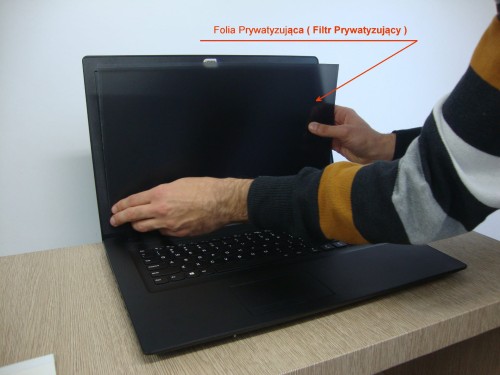


Privacy Filter – Angle-Limiting Screen Overlay
Privacy filter is a special screen privacy film with a thickness of 0.55 mm. It is used to help keep the content displayed on your monitor private by limiting visibility for people looking at the screen from the side.
The filter is a screen overlay that helps mask the data shown on your display from unwanted viewers. It can be used for computers, laptops, smartphones, tablets and other suitable screens.
Included free with the privacy filter:
- Felt card for pressing the filter onto the screen, shown in the installation guide below
- Reusable dry cleaning cloth
- Dust-removal sticker set for cleaning the surface just before application
- Paper with special adhesive
Measure only the active display area, without the surrounding frame. This helps prepare the privacy filter in the correct size.
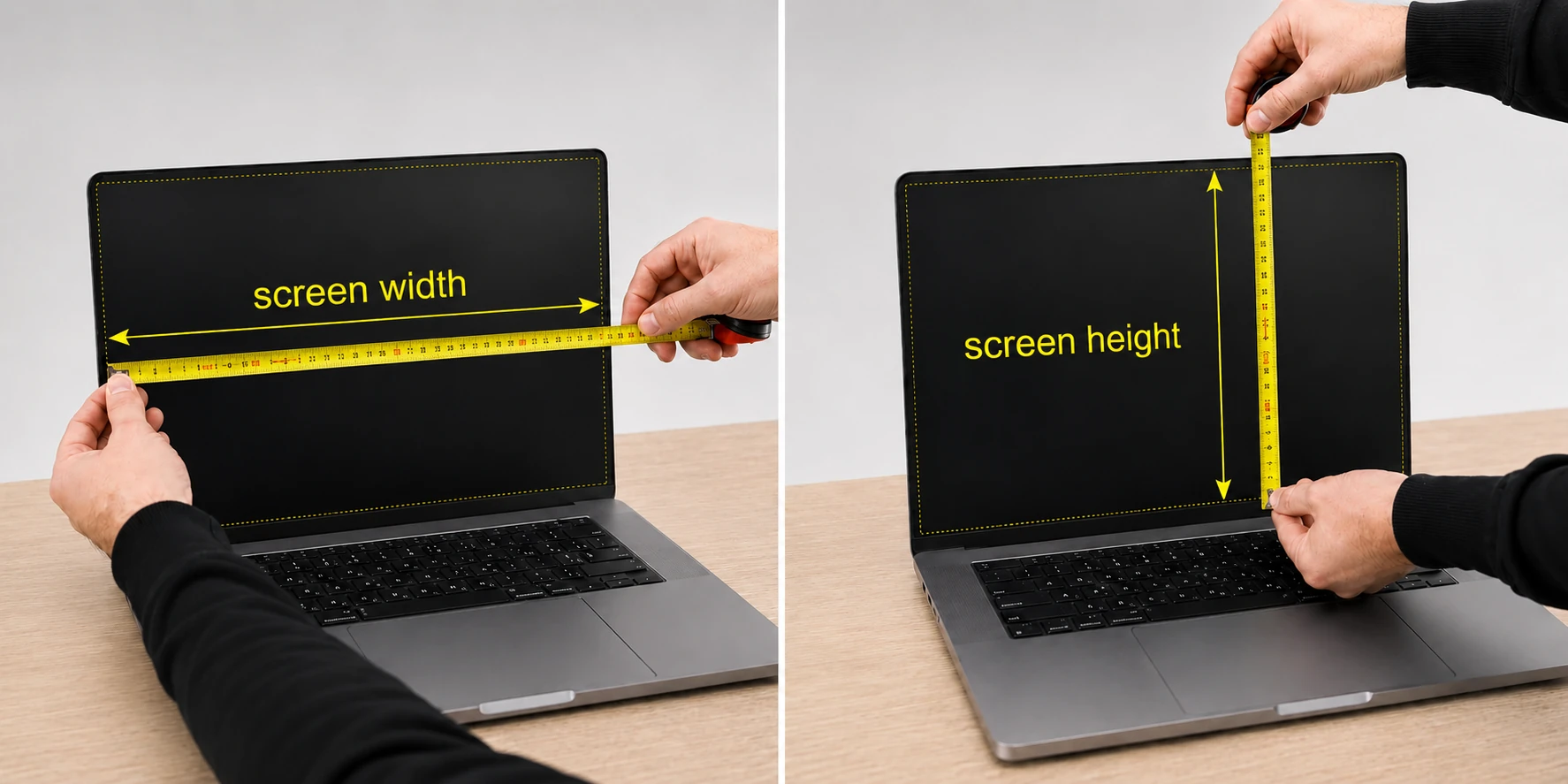
Custom-size privacy filter for your screen
We can prepare a privacy filter cut to the size of your computer, laptop, smartphone or another industrial device.
Send us the width and height of the display area only, without the frame, together with the required quantity. We will prepare a quotation for the cut-to-size filter.
E-mail: biuro@marketfolie.pl
Easy installation of the privacy filter
Installing the privacy filter is straightforward. Clean the screen, check the fit, remove the protective tape from the adhesive and gently attach the filter to the display.
Follow the guide below. Each short instruction is placed directly above the matching image, so you can go through the installation without confusion.
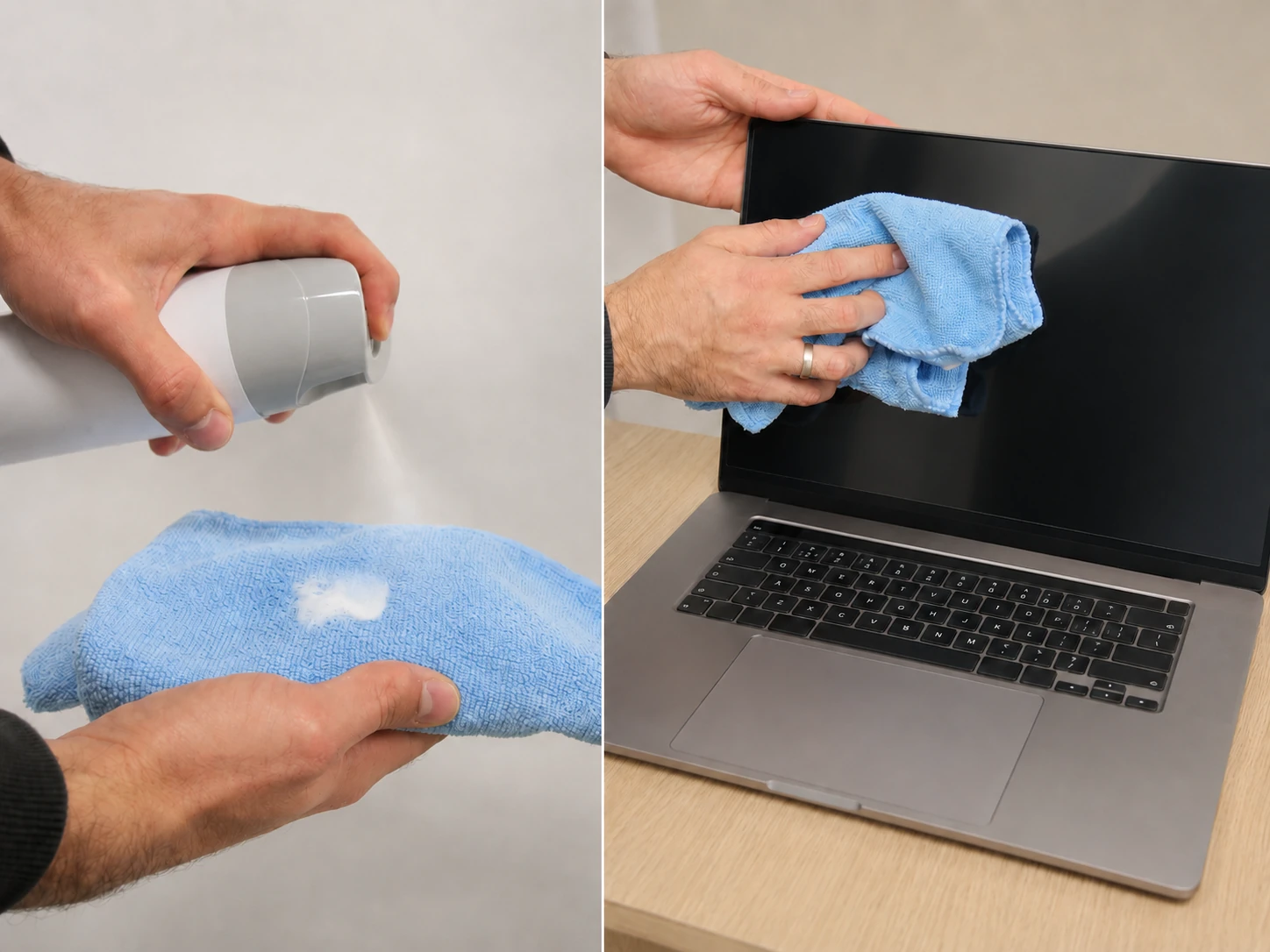
Step 1: Clean the screen
Before installing the privacy filter, clean the monitor carefully. A screen-cleaning product and a microfibre cloth are recommended for this step.
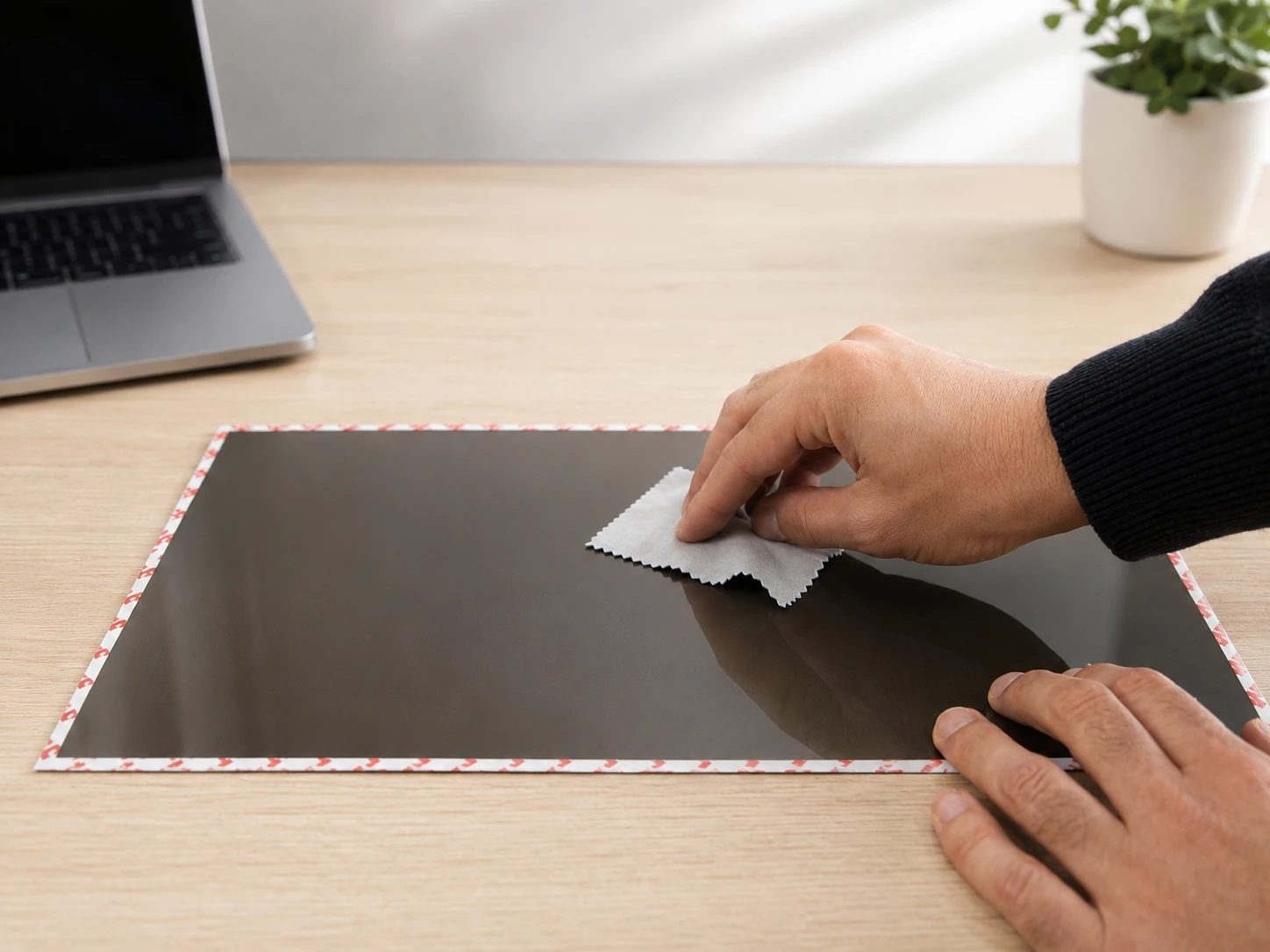
Step 2: Wipe the privacy filter
Wipe the purchased privacy filter before application, so the surface is clean and ready to be placed on the screen.
Step 3: Check the fit
Place the overlay on the laptop screen and check whether it fits the display area correctly.
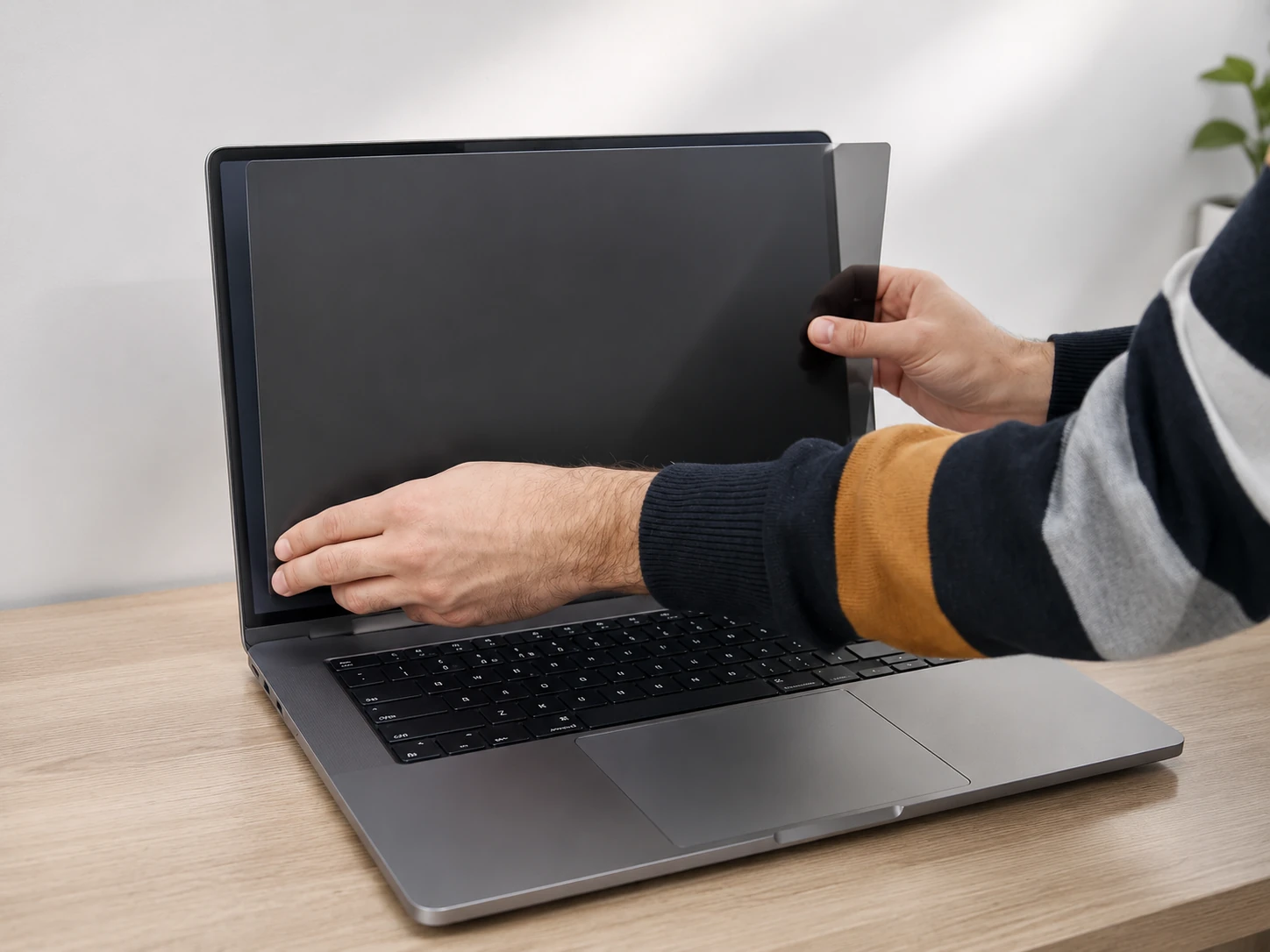
Step 4: Remove the adhesive protection tape
Remove the tape that protects the adhesive part of the privacy filter.
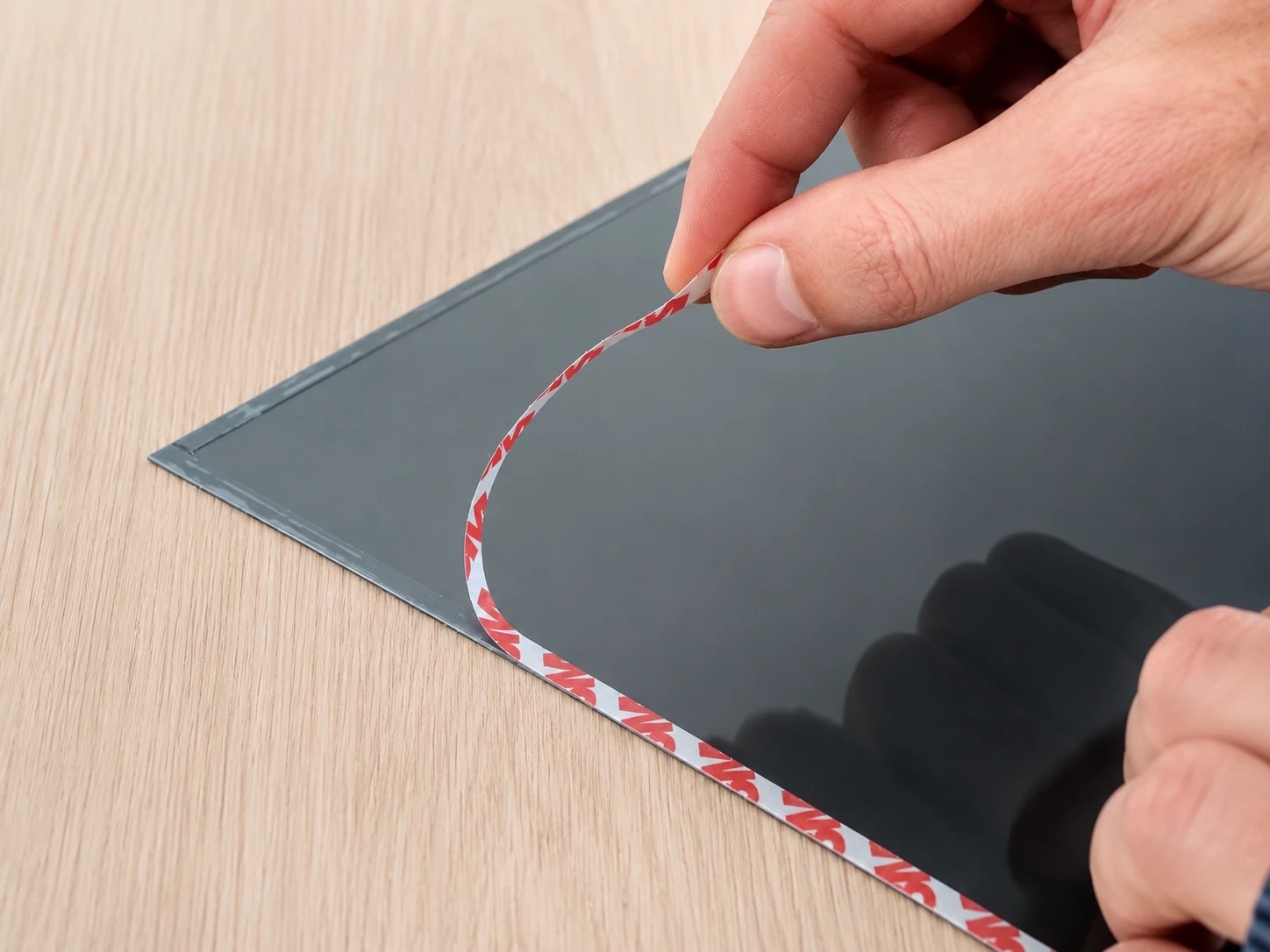
Step 5: Attach the filter to the screen
Carefully attach the privacy filter to the screen, aligning it with the display area.
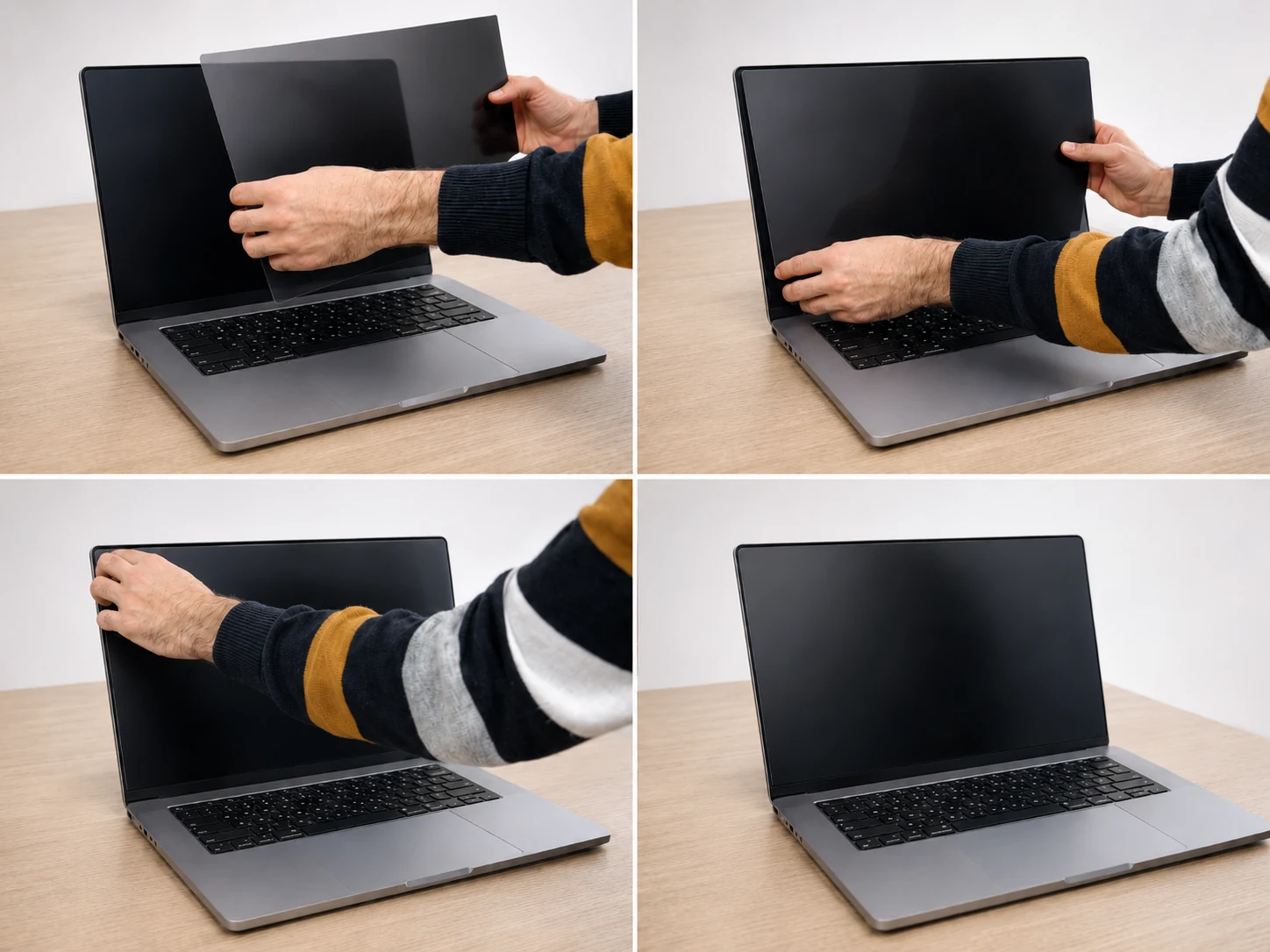
Step 6: Press the filter with the felt card
Gently press the whole surface of the filter using the felt card included with the product.
Step 7: Remove the front protective film
Remove the protective film from the front side of the privacy filter.
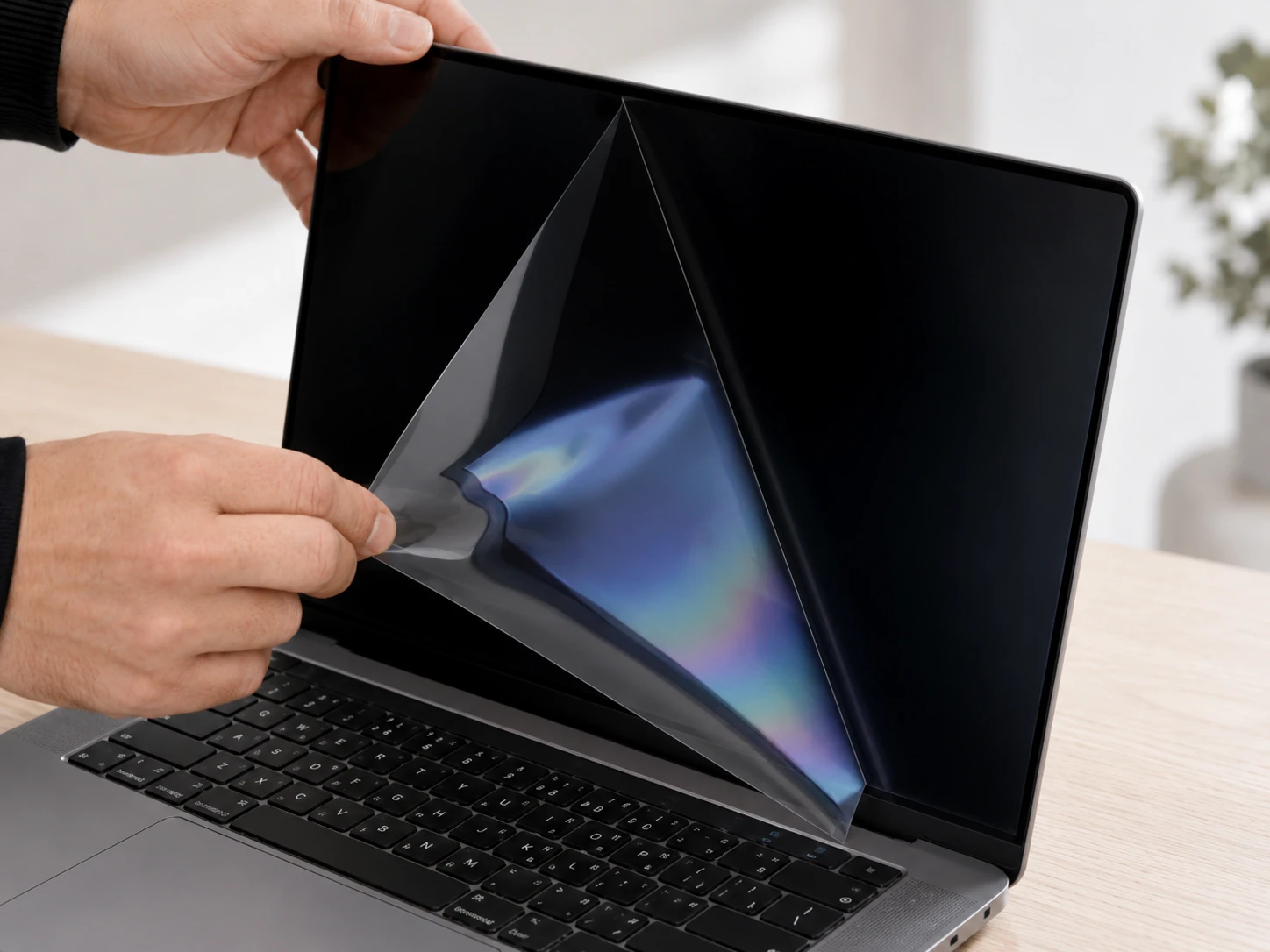
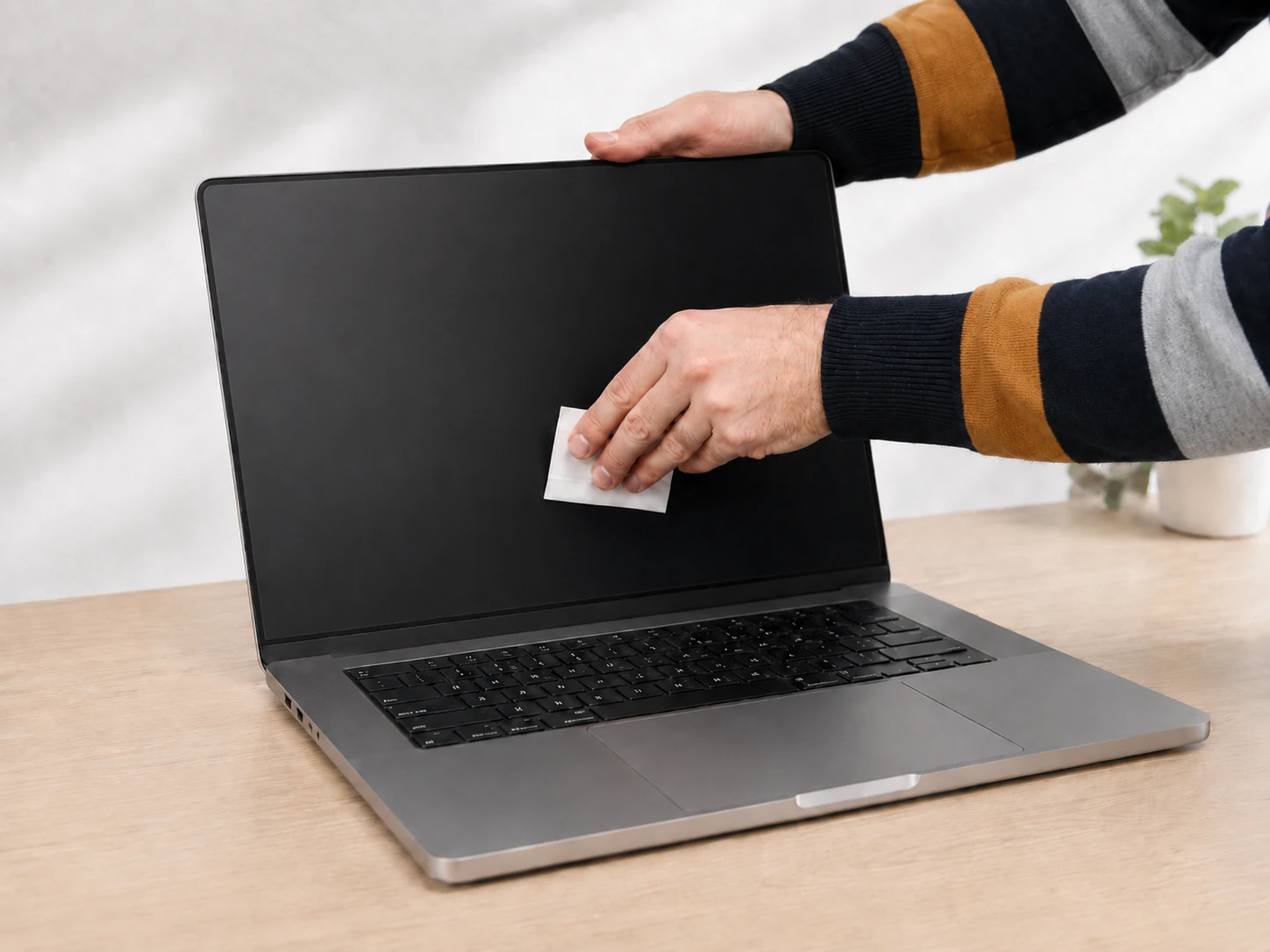
Step 8: Wipe the installed filter
After installation, wipe the privacy filter once again to finish the application neatly.
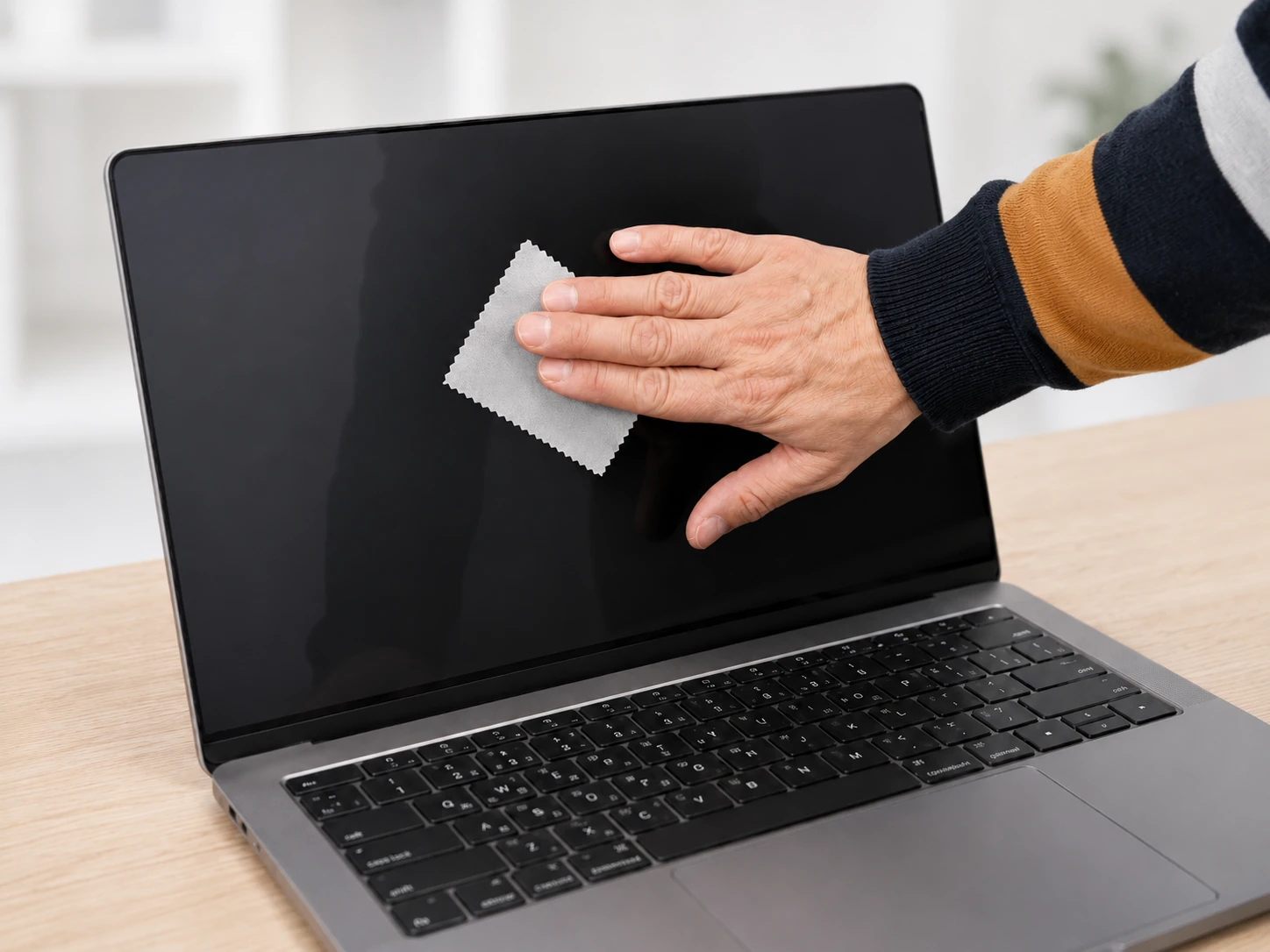
Step 9: Check the privacy effect
After applying the angle-limiting screen overlay, check the visibility of the laptop screen from different viewing angles.
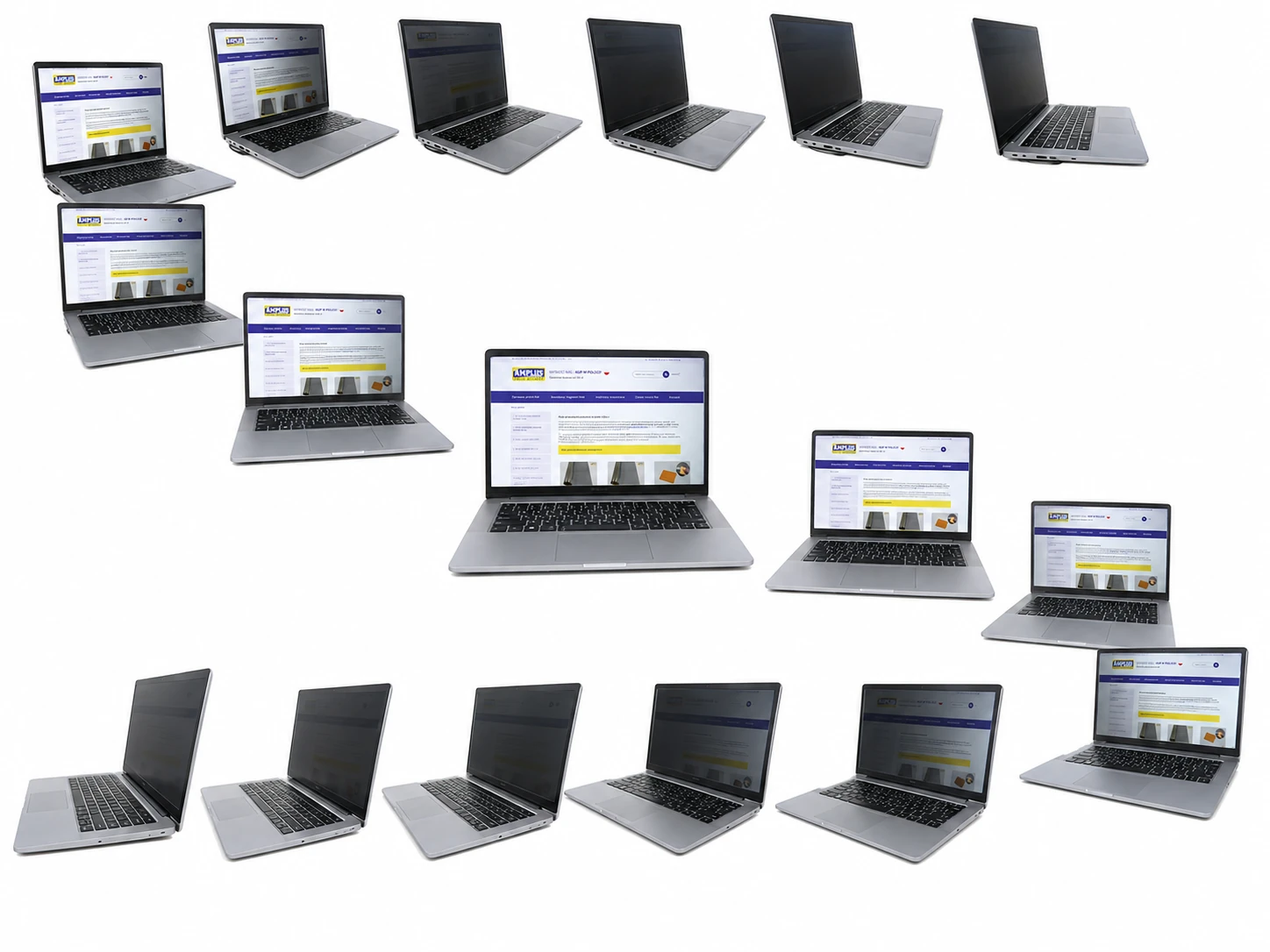
The privacy filter limits the visibility of the screen for people looking from the side.
Privacy filters for multiple monitors
For multi-monitor installations, we can install privacy filters for you and agree the details of cooperation individually.
Call us
E-mail us
Is the privacy filter safe to use?
Yes. The privacy filter helps protect the screen against scratches and dirt, and it also helps protect your on-screen data from other people. It is especially recommended for people who use portable devices in public places.
 Safety
Product reviews (0)
All reviews (positive and negative) are displayed. We don't verify that they come from customers who have purchased the product.


